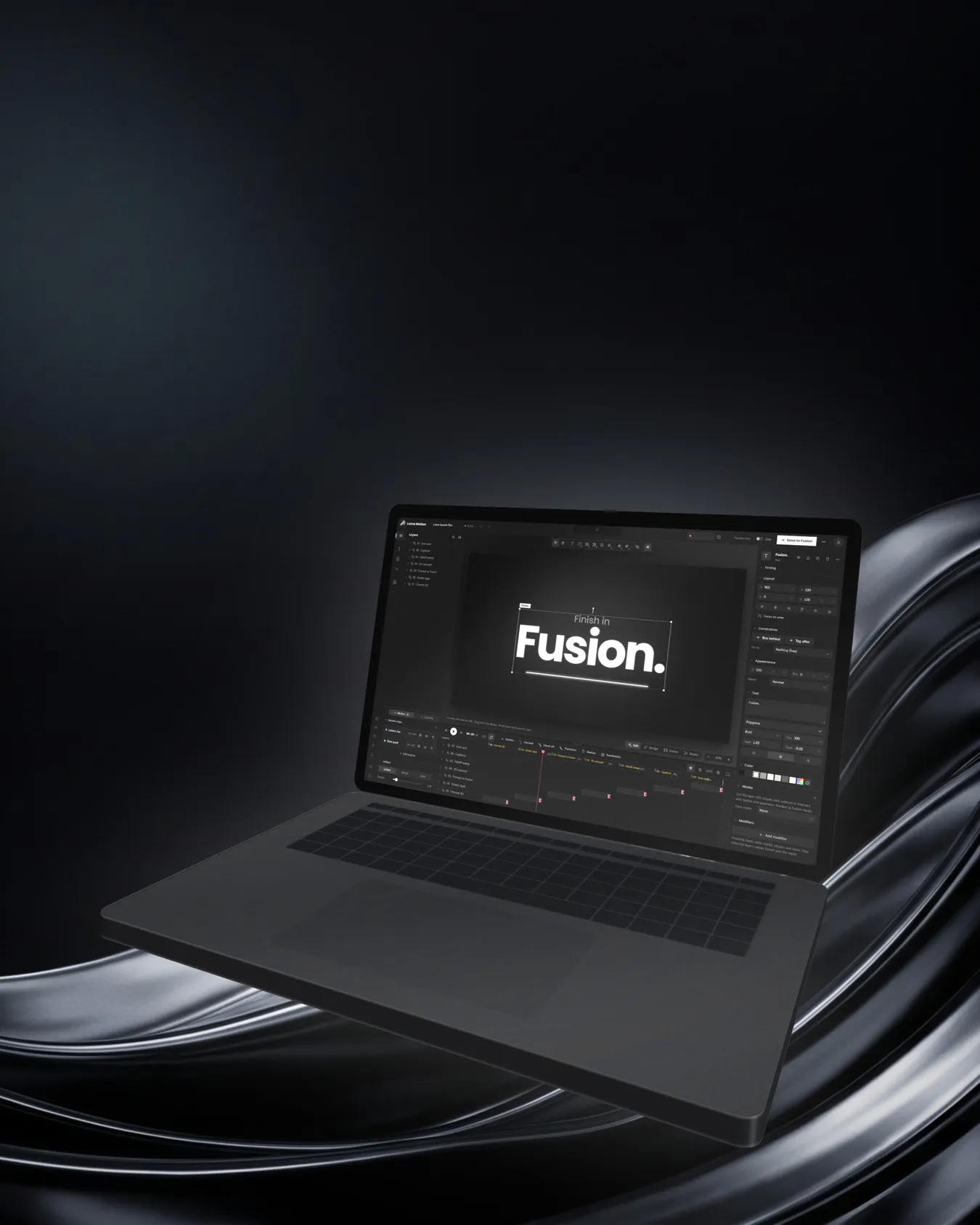

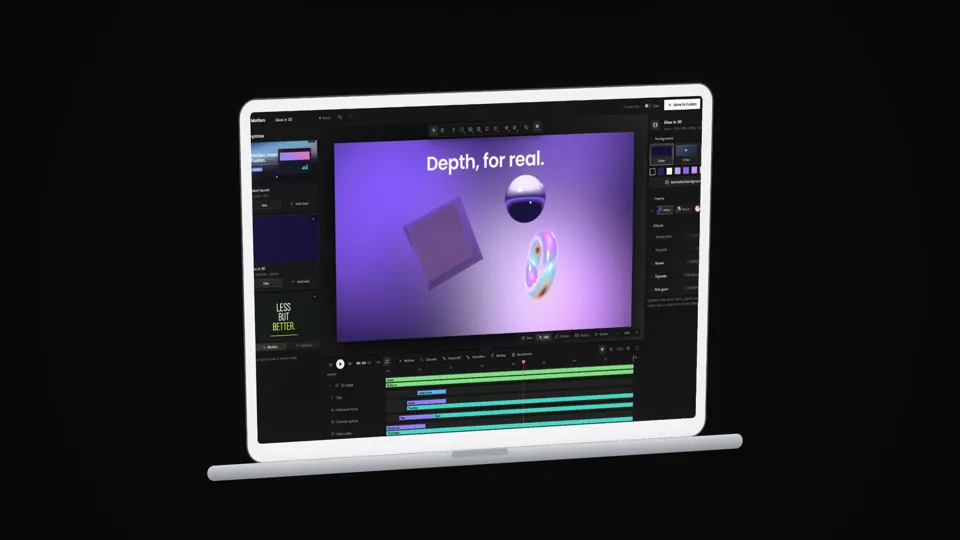
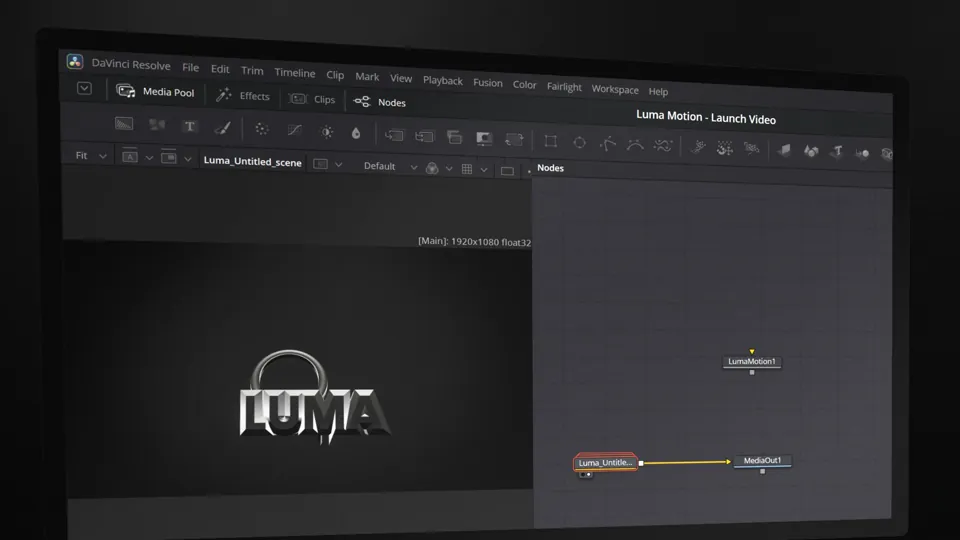
Luma Motion’s editor on a laptop: a chrome 3D title on the canvas, layers, inspector and timeline.

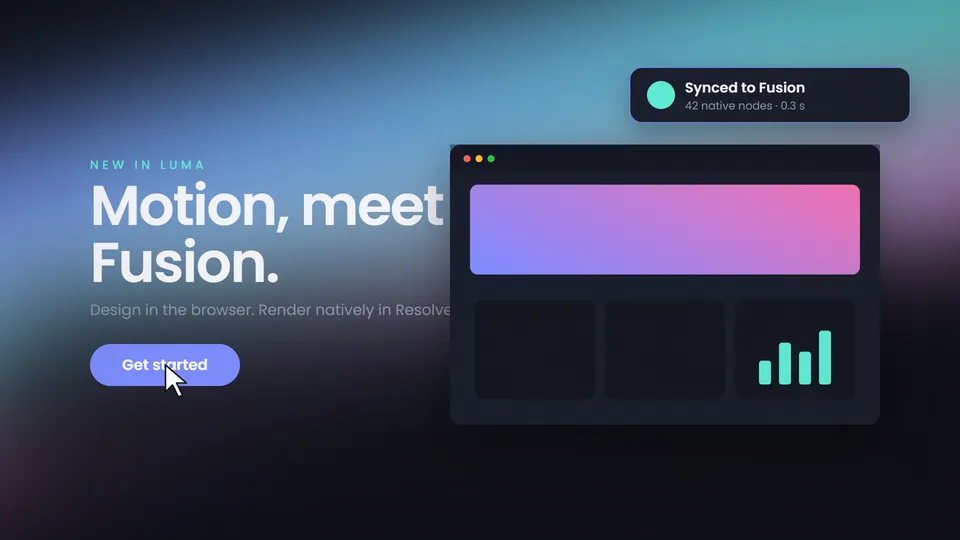
The motion graphics engine built for DaVinci Resolve.

A motion design workspace built around DaVinci Resolve and Fusion, bringing their powerful tools into a layer-based creative workflow.

Free plan, free account, no time limit.

See Luma Motion in action.

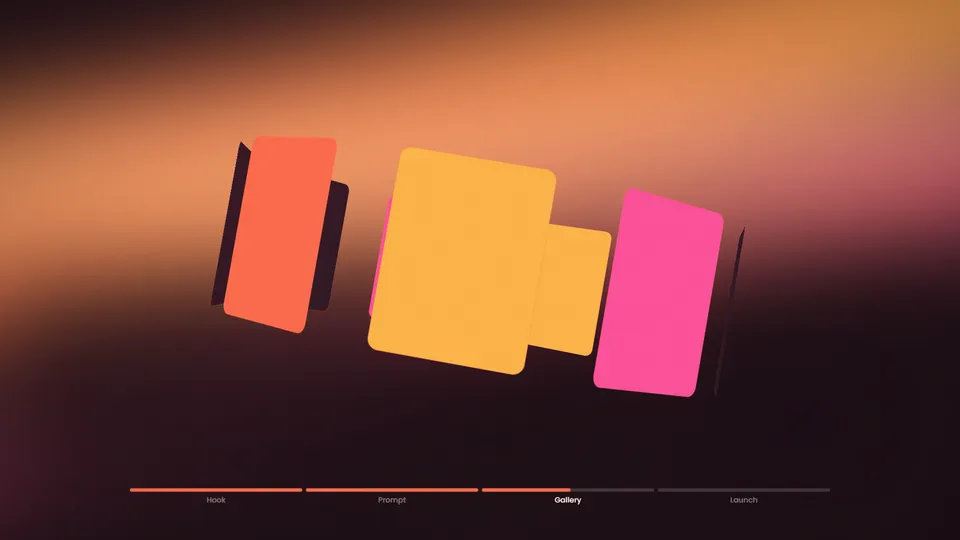
See the Luma Motion layer-based interface, template selector, Motion module, keyframe controls, and layer inspector panel. View all features here.

For creative and
professional workflows.

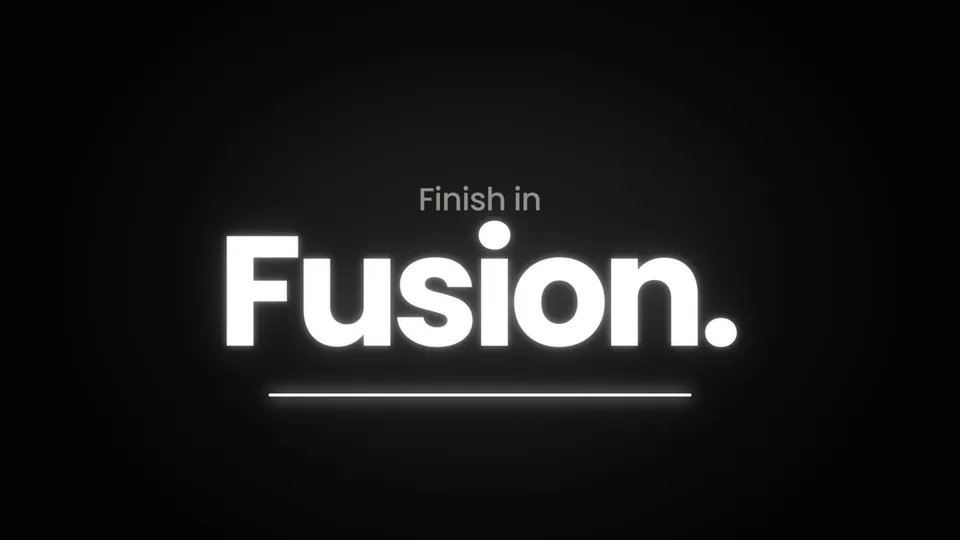
Design motion in a dedicated workspace, then finish in Fusion with every node ready to edit.

  1. 01

    Free

    The whole editor: Design view, every modifier, the Motion builder, templates and the core modules, free for as long as you like.

  2. 02

    Pro

    Every Pro module, Pro templates, export to video and Trace as vector, for a signature motion style in every title, transition and finishing detail.

  3. 03

    Teams

    Build a recognizable motion language across client projects, then tailor each scene for the finish a production demands.

Features

Powerful tools
for limitless motion.

Everything you need to design, animate and finish motion graphics, built natively for DaVinci Resolve.

Explore all features

Advanced

Advanced effects
& modifiers.

The finishing tools motion designers reach for, rebuilt as native Fusion nodes.

Fusion-native effects

Supports over a dozen Fusion-native effects, including:

  • Glow
  • Bloom
  • Light rays
  • Motion blur
  • Tilt-shift
  • Directional blur
  • Drop shadow
  • Echo trails
  • Corner pin
  • Lens distortion
  • Turbulent displace
  • Fractal noise
  • Film grain
  • Vignette
  • and more…

Modifiers

Adjustment regions and path modifiers: dashes, roughen, zig-zag, twist. Falloffs that drive many layers at once.

Tracking

Use Fusion tracker data to lock graphics to footage, or steady a shot.

Masks & reveals

Wipes, iris reveals, crops and soft-edged masks.

Constraints

Boxes that hug their content. Layers pinned to each other.

Expressions & physics

Wiggle, loop and random holds as native expressions. Gravity and bounce, baked to keyframes.

Start from scratch,
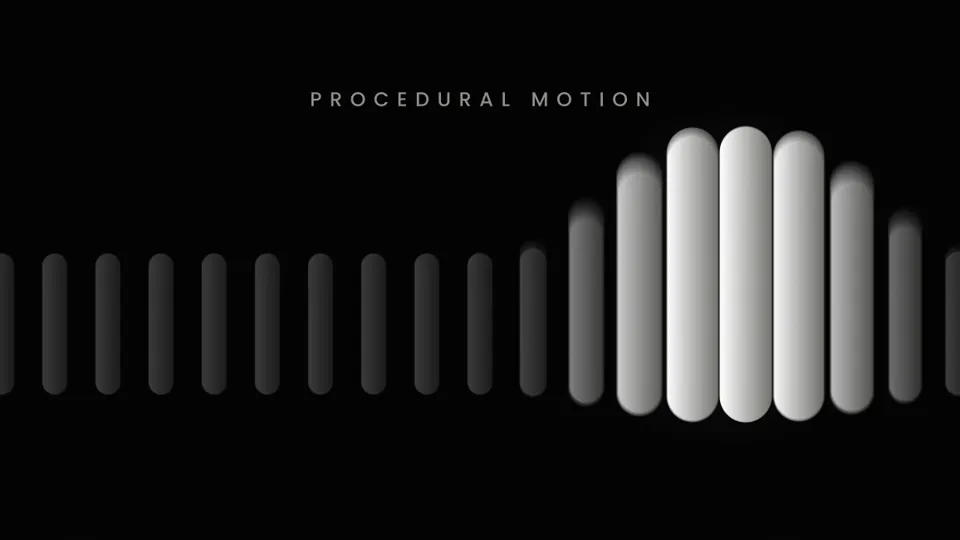
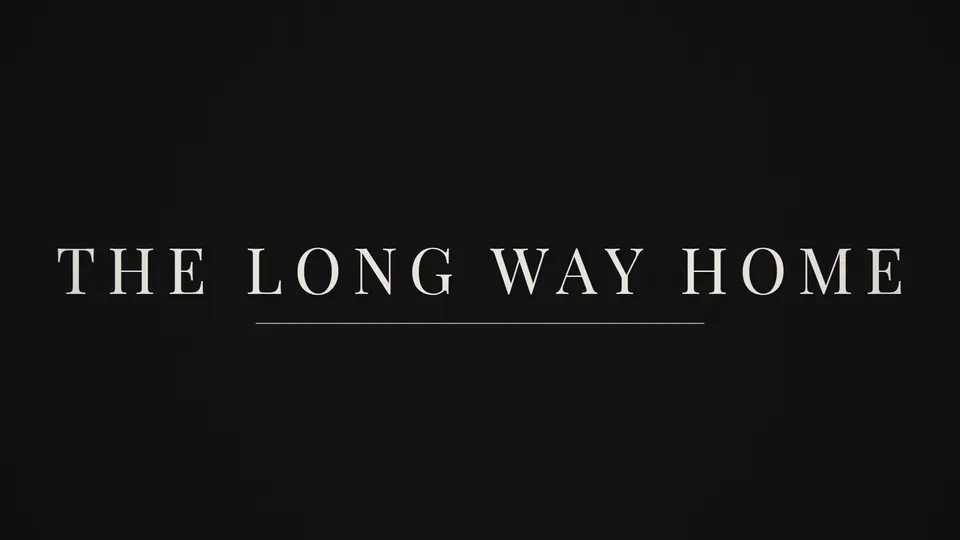
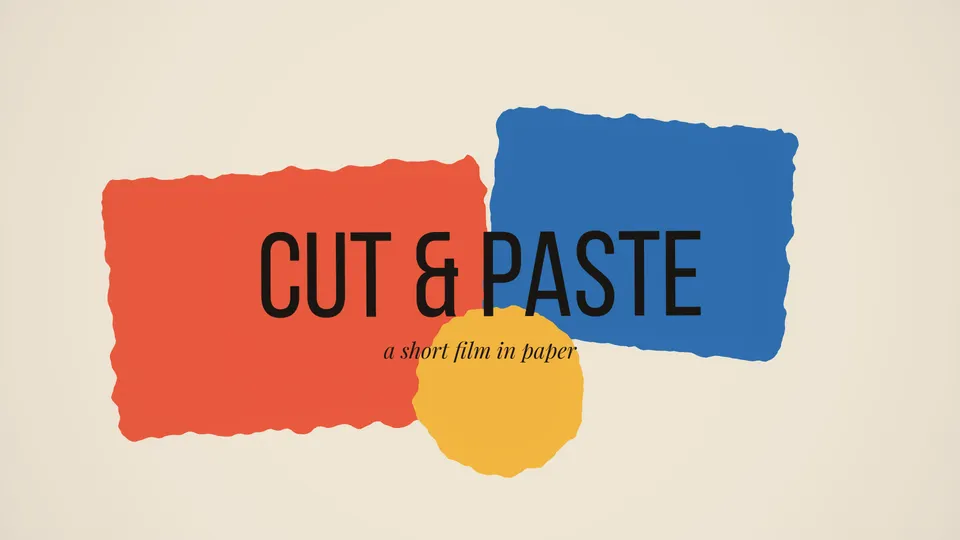
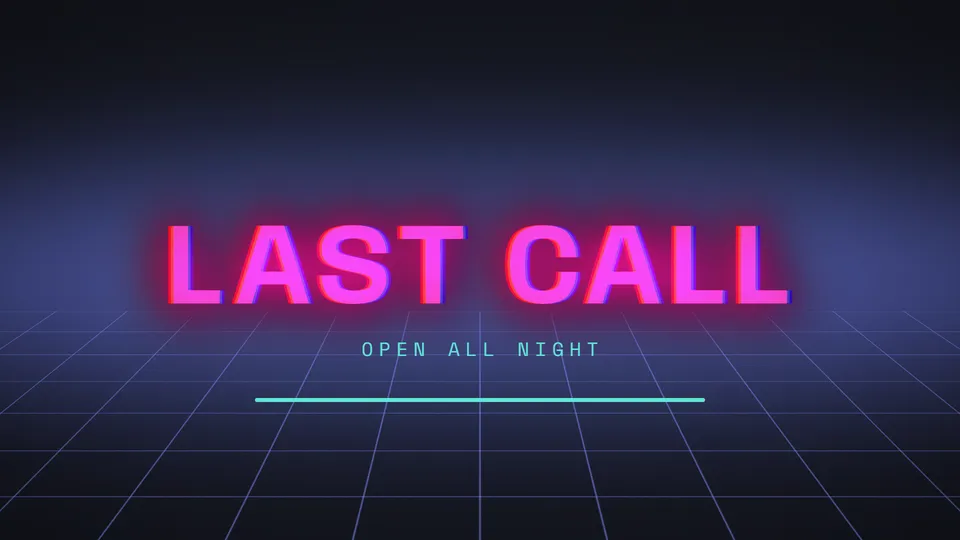
or choose from 75+ templates.

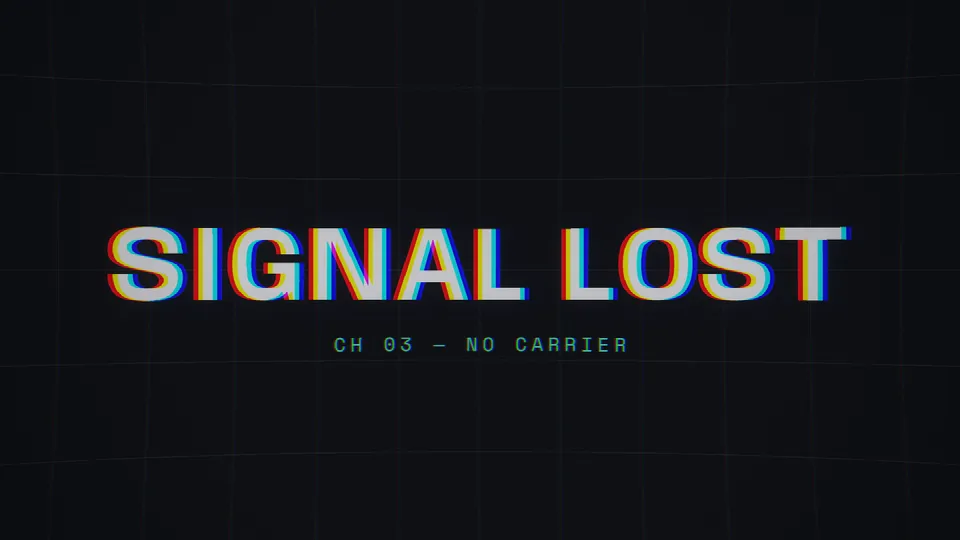
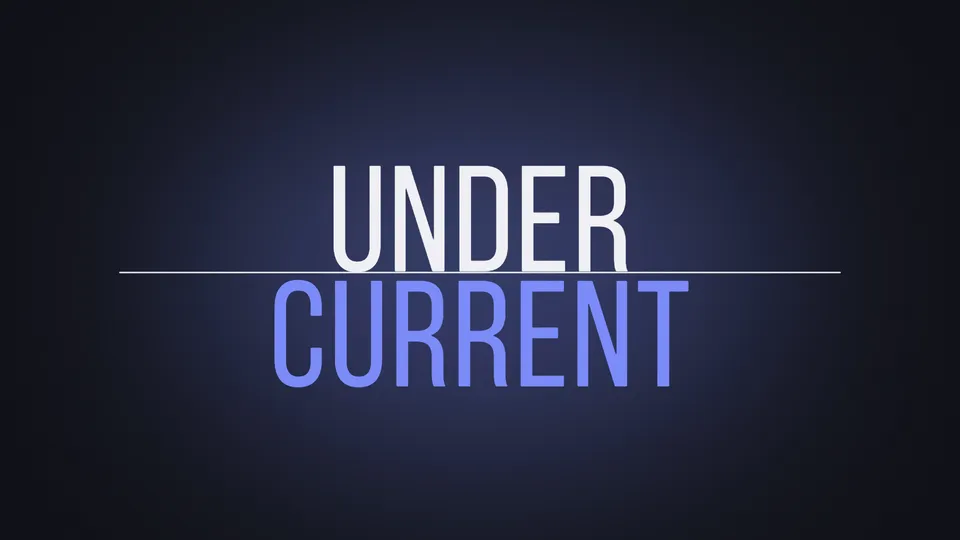
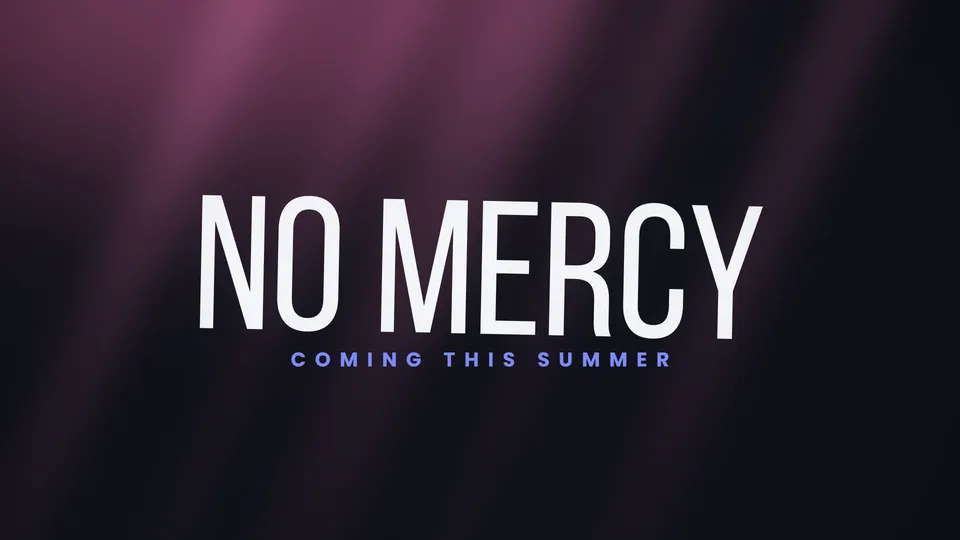
  • Noir credits templateNoir credits
  • Paper cut templatePaper cut
  • Neon alley templateNeon alley
  • Gold foil templateGold foil
  • Halftone pop templateHalftone pop
  • Broadcast glitch templateBroadcast glitch
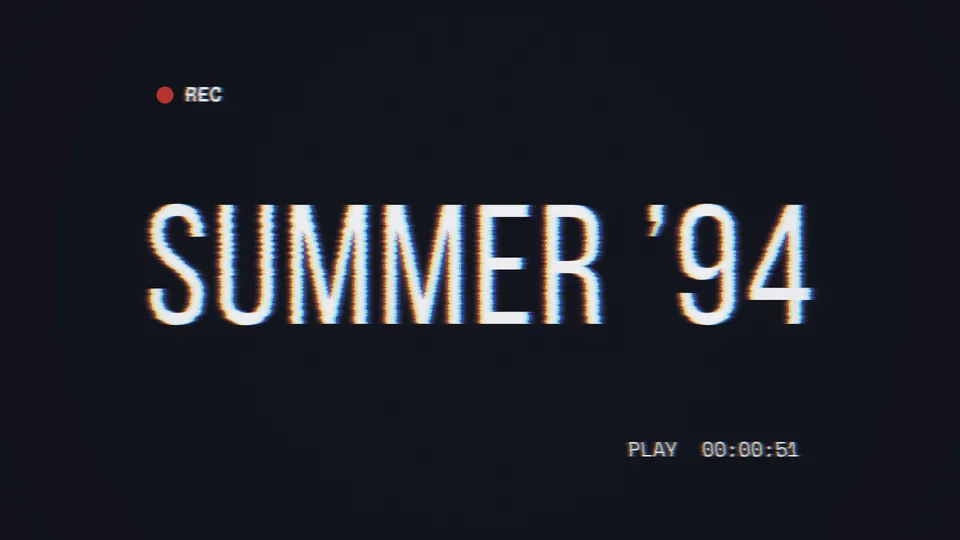
  • Tape title templateTape title
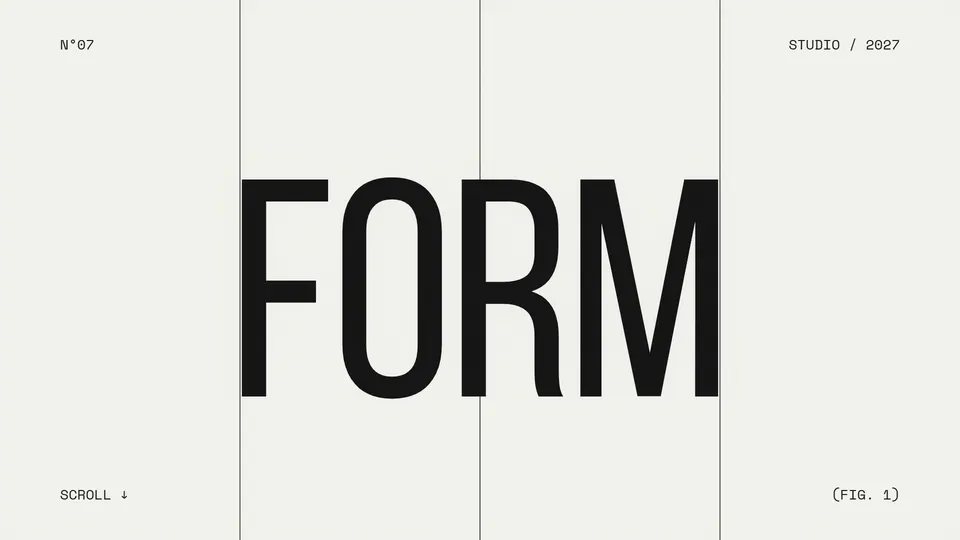
  • Brutalist grid templateBrutalist grid
  • Stop-motion shapes templateStop-motion shapes
  • Case file templateCase file
  • Split reveal templateSplit reveal
  • Impact slam templateImpact slam
  • Ink bleed templateInk bleed
  • Prism launch templatePrism launch
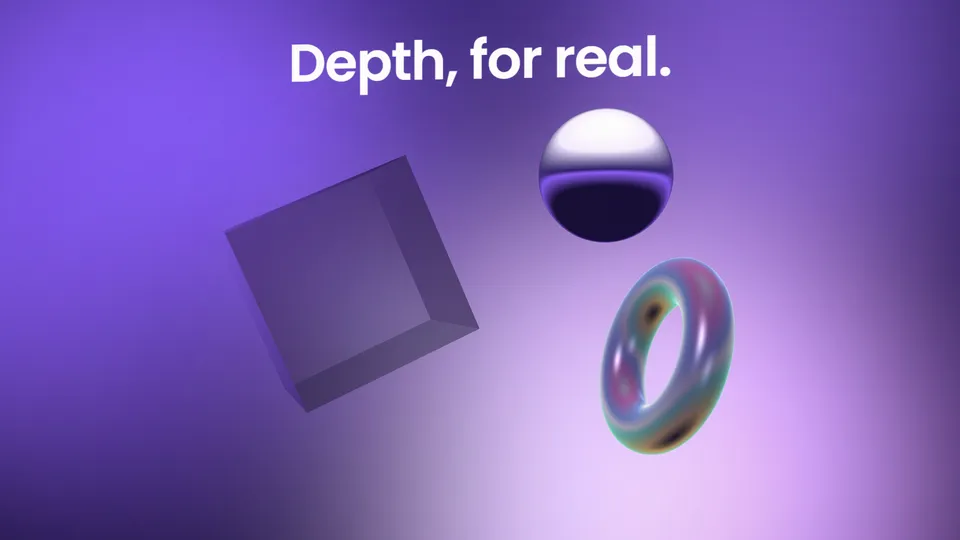
  • Glass in 3D templateGlass in 3D
  • Product launch templateProduct launch
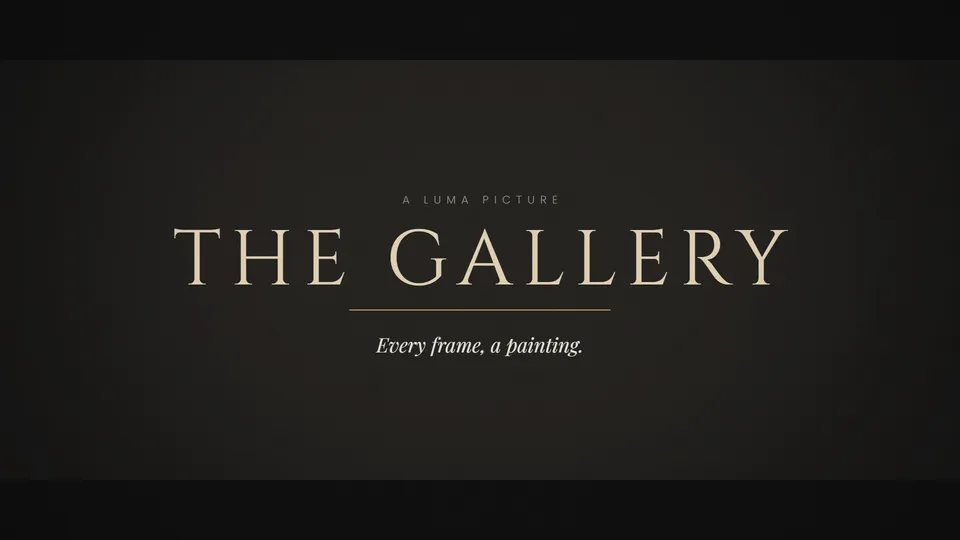
  • Cinematic title templateCinematic title
  • Ember launch templateEmber launch
  • Kinetic type templateKinetic type
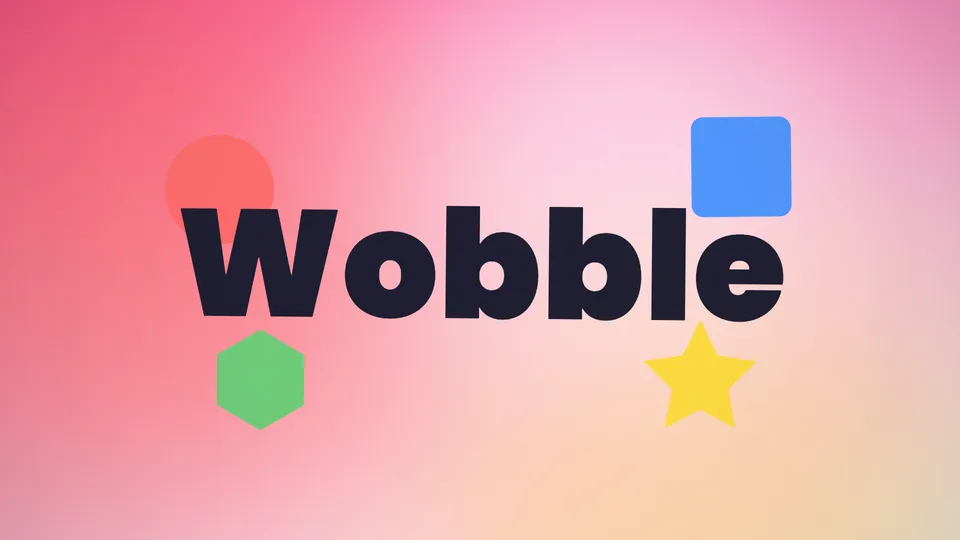
  • Candy pop templateCandy pop
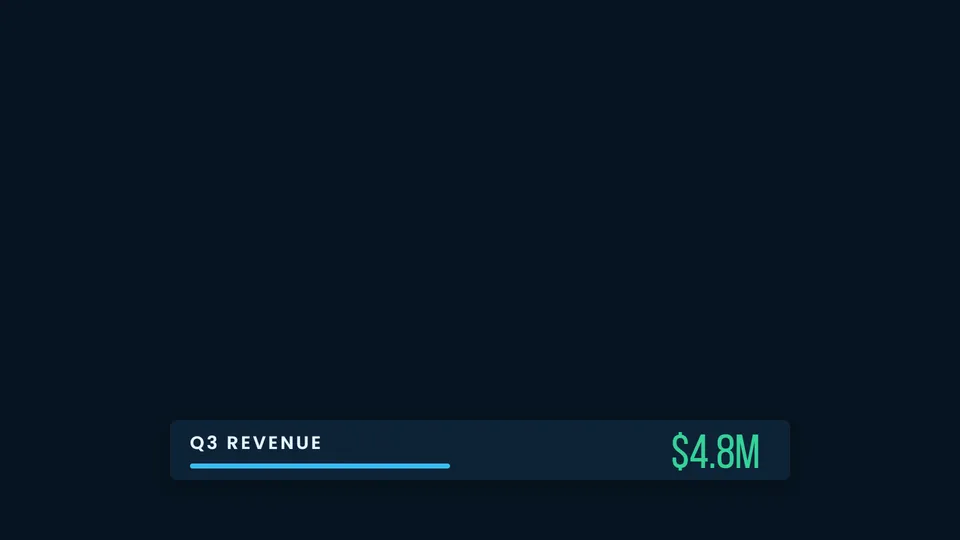
  • Stat highlight templateStat highlight
  • Marker highlight templateMarker highlight
  • Minimal rule templateMinimal rule
  • Paper archive templatePaper archive
  • Grid reveal templateGrid reveal
  • Orbit logo templateOrbit logo
  • Search reel templateSearch reel
  • Stat strip templateStat strip

Get started
for free.

Luma Motion’s free plan includes every essential feature. Just a free account, no trial clock.

Free

  • Visual editor, layers and text
  • Keyframes, easing and motion presets
  • 75+ templates and the core modules
  • Native Fusion output

Pro & Teams

  • Saved and team templates
  • New modules and parallax tools
  • Workflow features
  • Shared team assets, and more

Monthly or yearly. Pro is also yours for life, and any module is $99, once.

FAQ

Questions &
Answers

Everything you need to know before you start. Can’t find it here?

Visit support