Download
Get Luma Motion.
The motion graphics engine for DaVinci Resolve. Free to start with a Luma Motion account.
FreeWindowsmacOSLinuxv1.6
DaVinci Resolve is required and licensed separately.
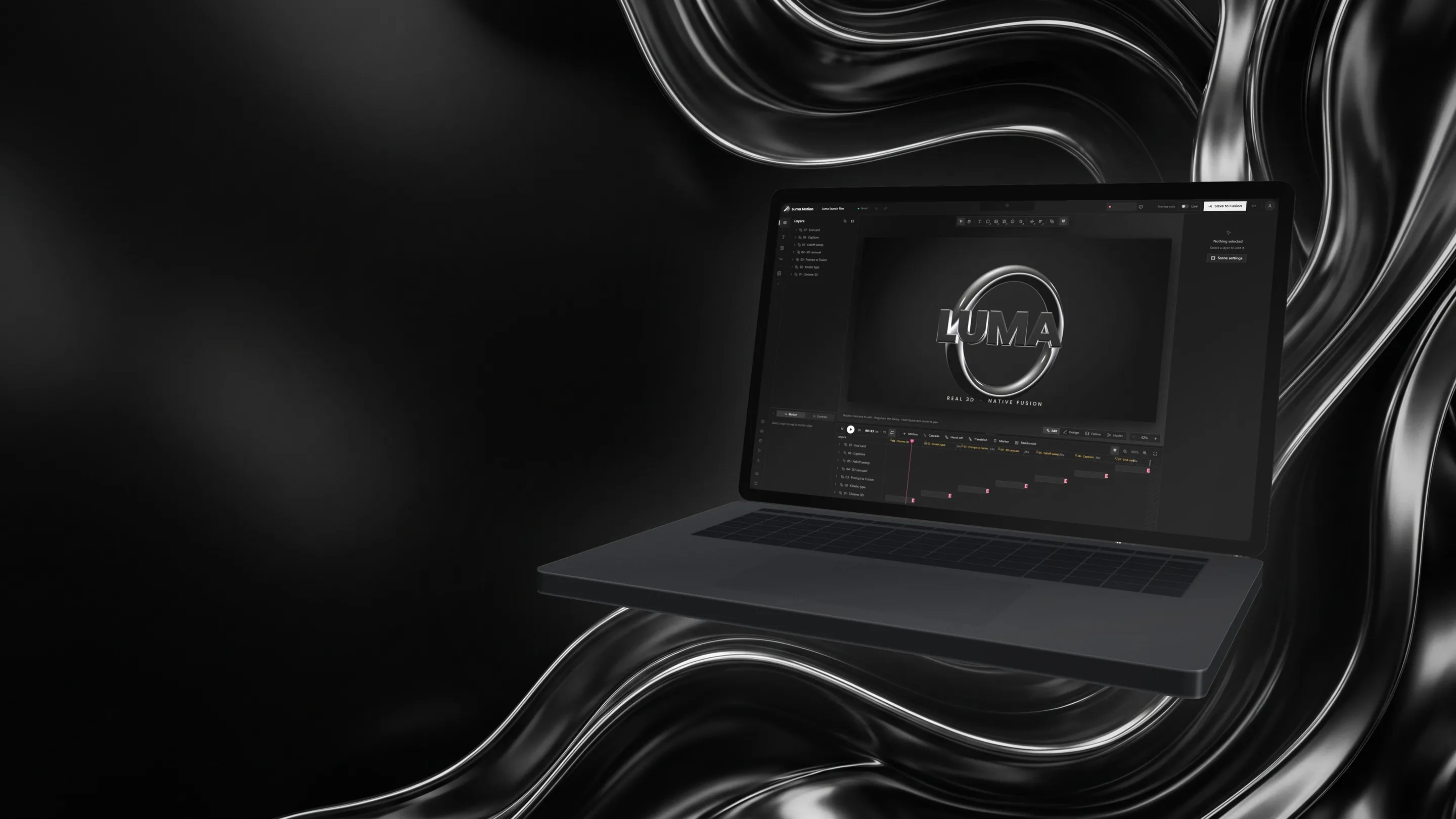
One package per system.
Each download has an installer that finds Resolve for you, or lets you pick the folder.
- WindowsA PowerShell installer for Resolve on Windows.
install.ps1 - macOSA shell installer for Resolve on macOS.
install.sh - LinuxThe same shell installer, for Resolve on Linux.
install.sh
Set up in four steps.
Getting-started guideInstall
Run the installer from the package for your system. If double-clicking does not work, right-click it and choose Install.
Allow scripting
In Resolve: Preferences › System › General › External scripting, set to Local.
Open it in Fusion
On the Fusion page: Workspace › Scripts › Comp › Luma Motion. Or add a new node, choose Luma Motion, and click “Launch Luma Motion” in the Inspector panel.
Start a scene
From scratch, a template, your Fusion comp or a saved .luma file.
Free, for good
Everything you need
for the first scene.
- Core modules: Text, Shapes and Motion
- 75+ templates in 11 categories
- Basic components, Backgrounds and Captions
- Effects, modifiers, masks and constraints
- Native, editable Fusion nodes