Your next edit
Build titles, lower thirds and captions that belong to the film.
Titles with presence. Stories with rhythm.
A visual motion workspace that brings your ideas
into DaVinci Resolve as native Fusion nodes.
Build with layers. Shape movement.
Keep the detail editable in Fusion.
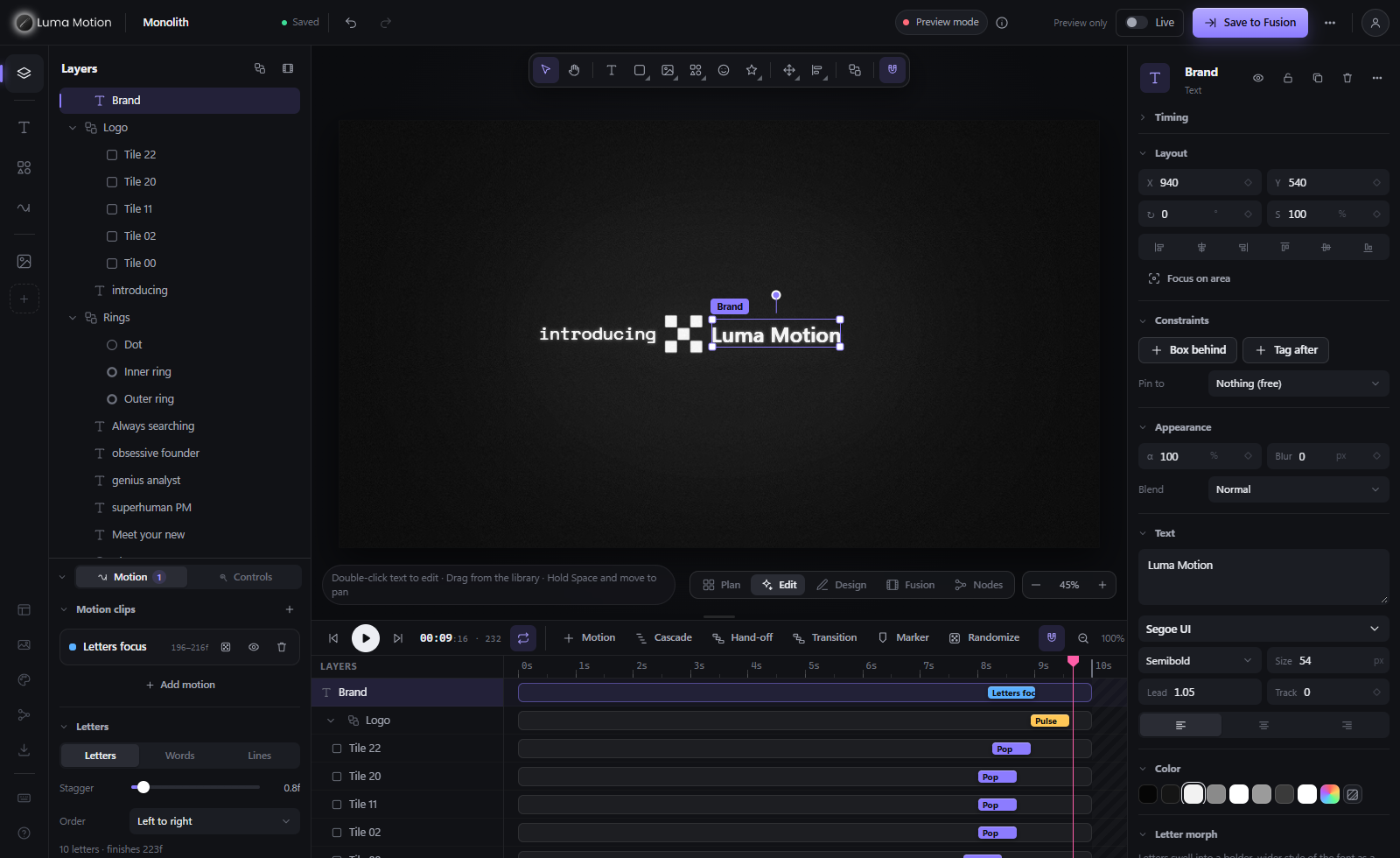
You already know the story you want to tell. Luma Motion gives it a visual starting point: layers, typography, keyframes, templates and 3D. Save to Fusion turns the scene into native tools, ready for the detail that belongs in your edit.
Build titles, lower thirds and captions that belong to the film.
Use screenshots, mockups and camera movement to tell a product story.
Make a lesson easier to follow with measured type and word-timed captions.
Start free with the core modules and 75+ templates.
Pro and Teams add every Pro module, Pro templates, export and shared team libraries.